


 Install the Chrome Extension
The reading, already marked up
Breezy reads the assigned chapter before you do and marks the claim, the evidence and the term you skipped. You start on page one with the margin already filled in.
 California State University, East Bay (CSUEB)
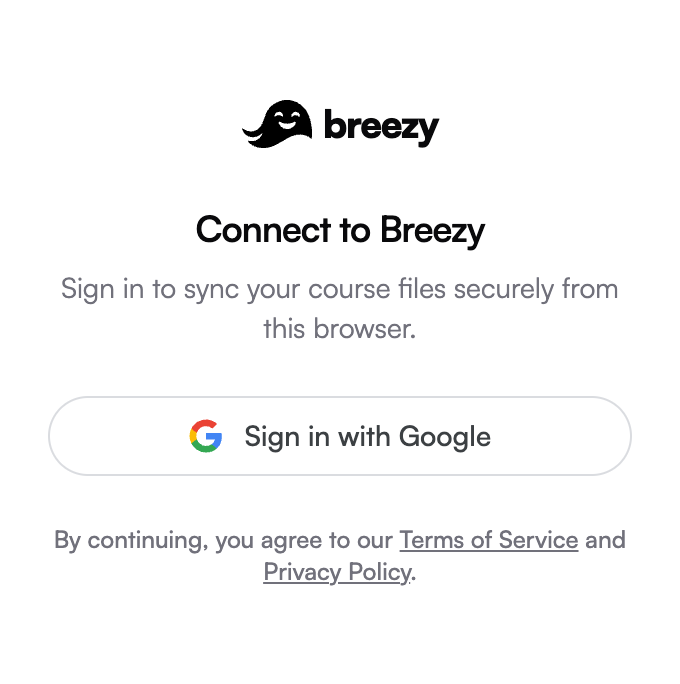
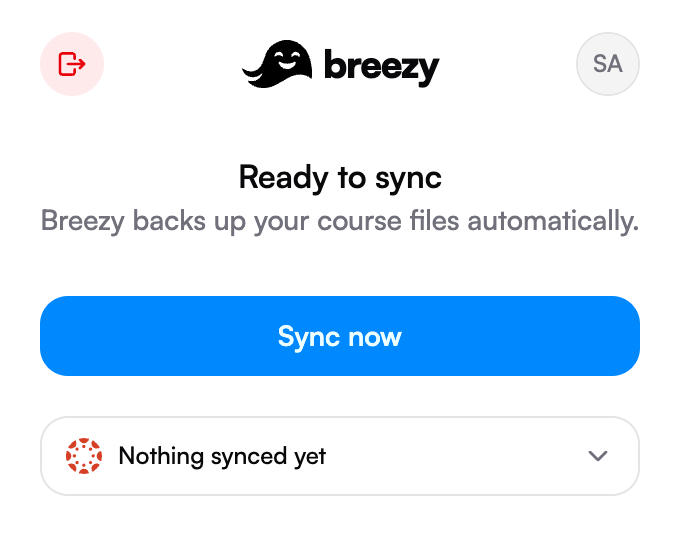
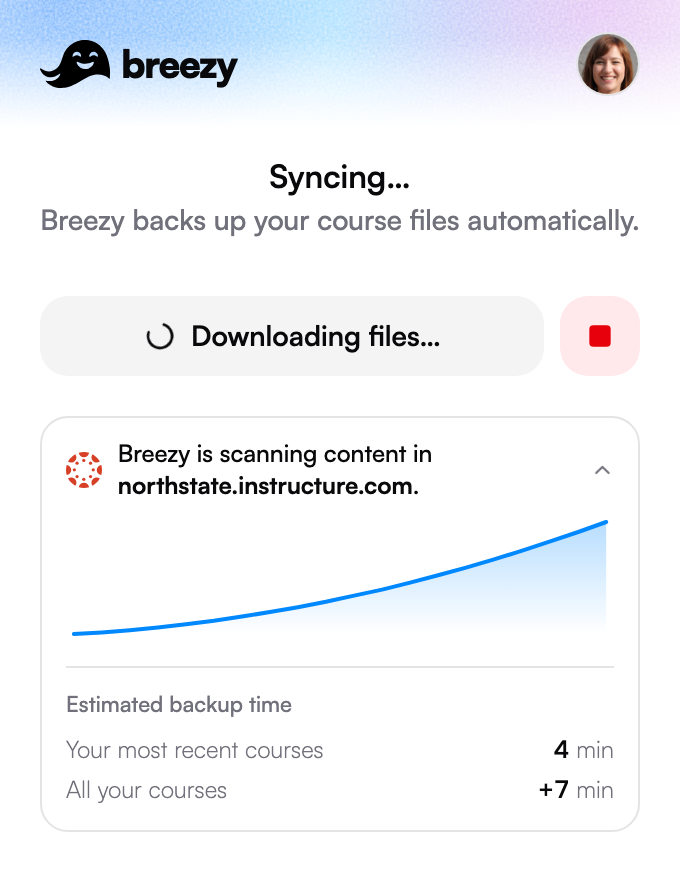
Breezy reads your courses from csueb.instructure.com in the browser you already use, then puts every course, file and deadline into one workspace that answers anything about them.
Be one of the first students at California State University, East Bay (CSUEB) on Breezy

Breezy for Canvas covers everything it reads from Canvas.
Breezy reads the assigned chapter before you do and marks the claim, the evidence and the term you skipped. You start on page one with the margin already filled in.
Assignments, quizzes and readings from every class land on the same grid, pulled from your course site and kept current without you opening it.
Breezy says what the assignment is actually asking, then reads your draft back comment by comment. Every note quotes your own words, and none of them write the sentence for you.
Didn’t find your answer?
Get helpBreezy syncs from Canvas, Blackboard, Brightspace, Schoology, PowerSchool and Piazza, and brings in reading lists from Leganto. If your school uses one of them, a single sync brings your classes in.
The Breezy browser extension reads your course site through the session you are already signed in with, and brings in your courses, assignments, due dates, announcements, files and grades. It never sends your course site password or session cookie to Breezy. Auto Sync is on by default, so opening your course site syncs it again, at most once an hour.
Ask anything about your courses and get answers drawn from your own material. See every deadline on one calendar, which can also sync to Google Calendar or Apple Calendar. Open readings that are already marked up, get assignment briefs decoded and drafts reviewed, build flashcards from your own notes and files, review drafts straight from a linked Google Doc, and export them as formatted PDFs.
Chrome and Firefox each have their own build, and Edge, Opera, Brave, Arc and Vivaldi install the Chrome version from the Chrome Web Store. Phones and tablets cannot install browser extensions, so connect your classes from a laptop or desktop first. After that you can sign in to Breezy on any device.
Yes. The Free plan includes every Breezy feature. Pro and Ultra do not unlock extra features: they give you 5× and 20× the Free plan's monthly usage, for a heavier course load.
Breezy uses it to give you the features you ask for. It does not sell personal information, use it for targeted advertising, or use your course content to train general-purpose AI models. You can delete your account at any time, and after a 30-day window to undo it, your records, files and search data are deleted.
Breezy is an independent product. It is not affiliated with or endorsed by California State University, East Bay (CSUEB) or by Instructure, the company that makes Canvas. The logo and colour on this page are the ones California State University, East Bay (CSUEB) shows on its own Canvas site. To sign in to that site, go to csueb.instructure.com.