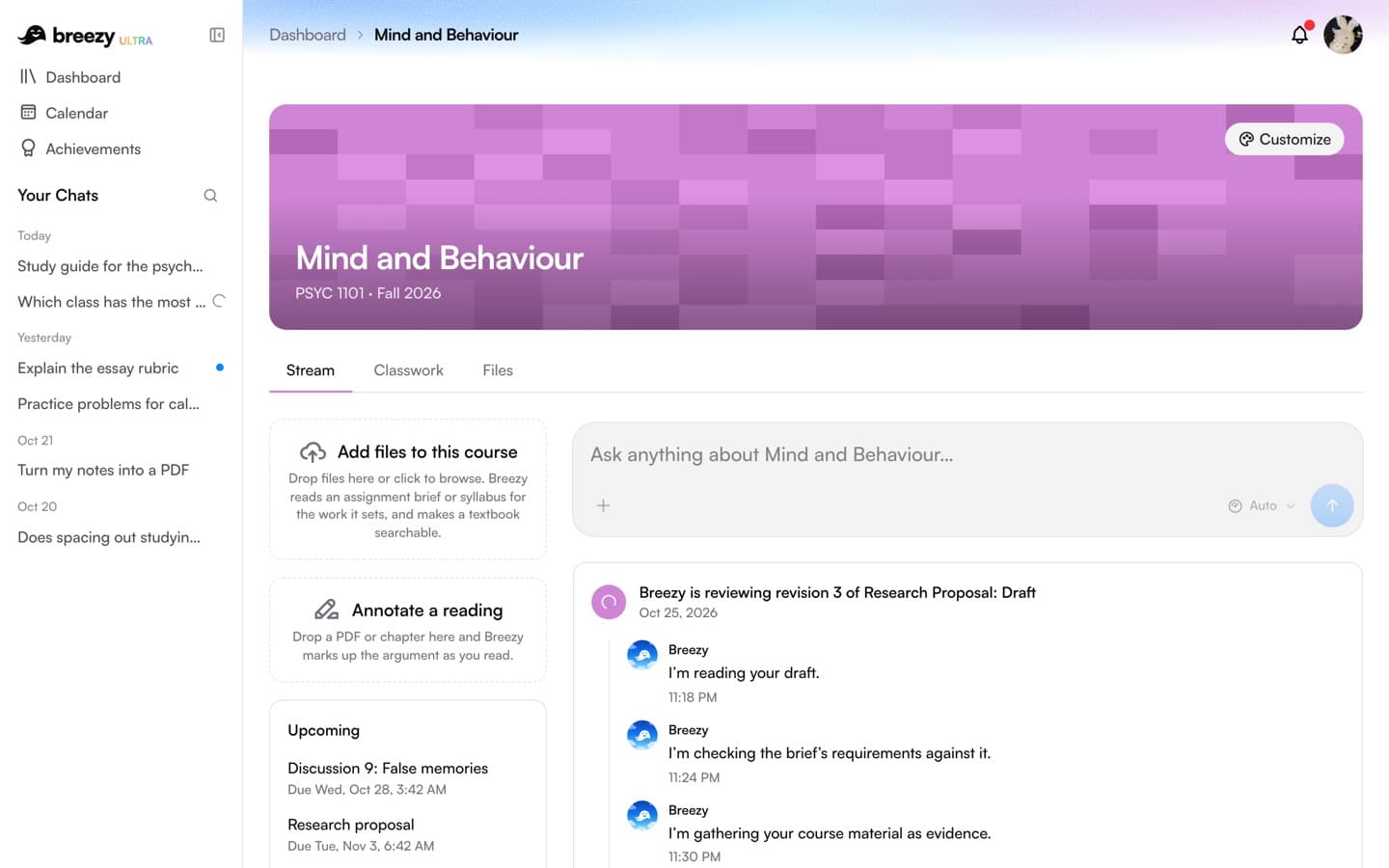
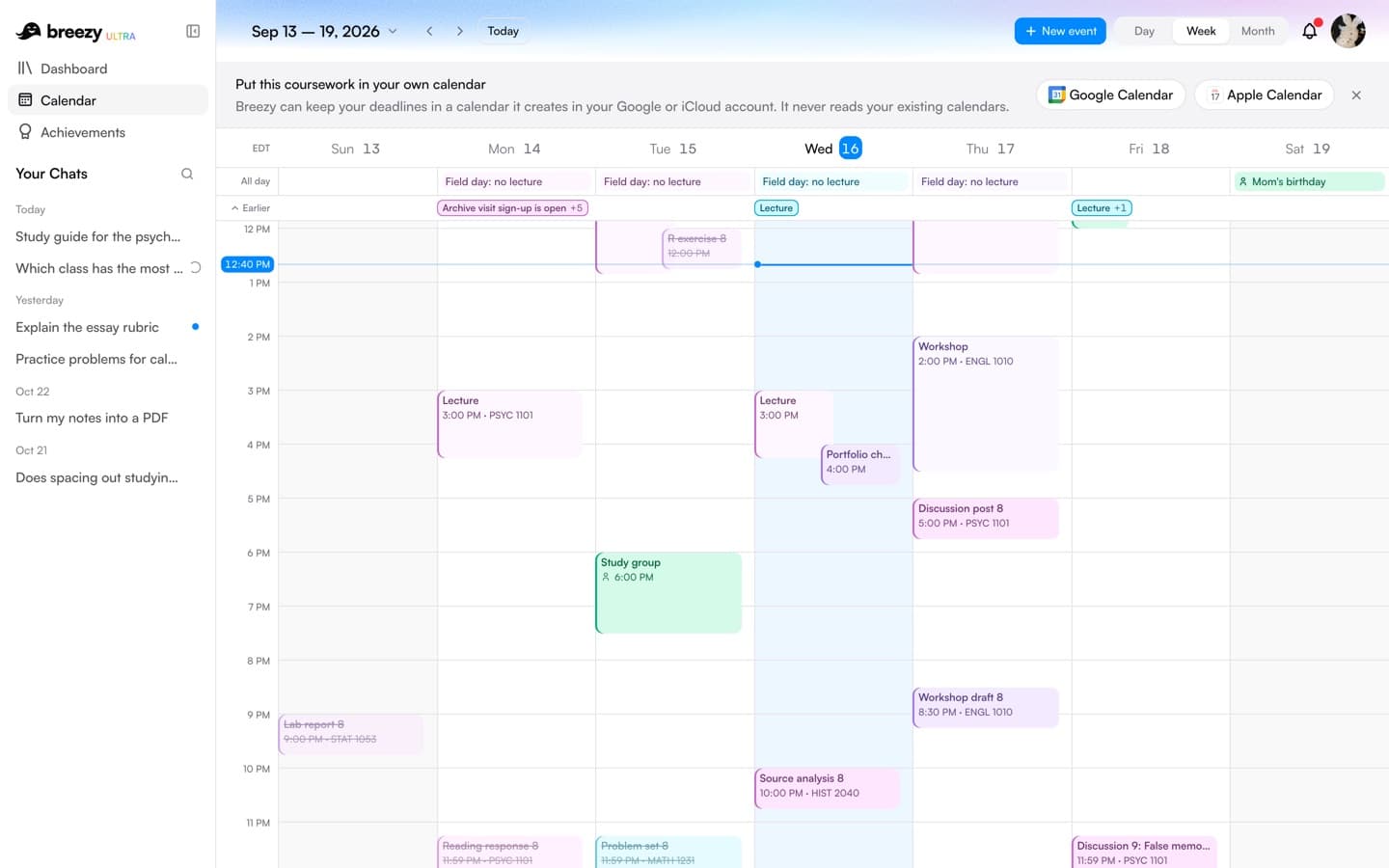
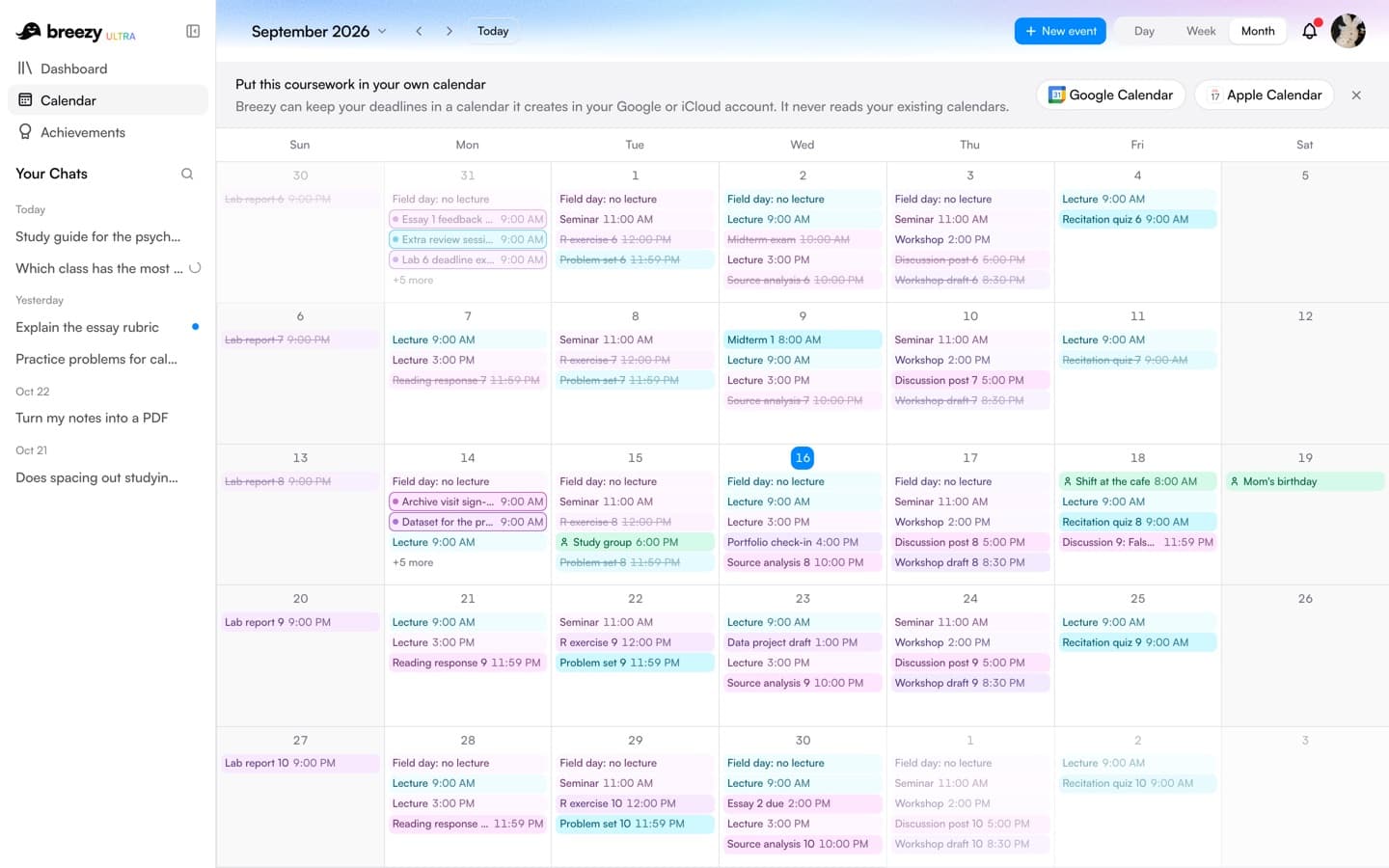
We shipped a lot of cool features this week, here's a close up of them below:
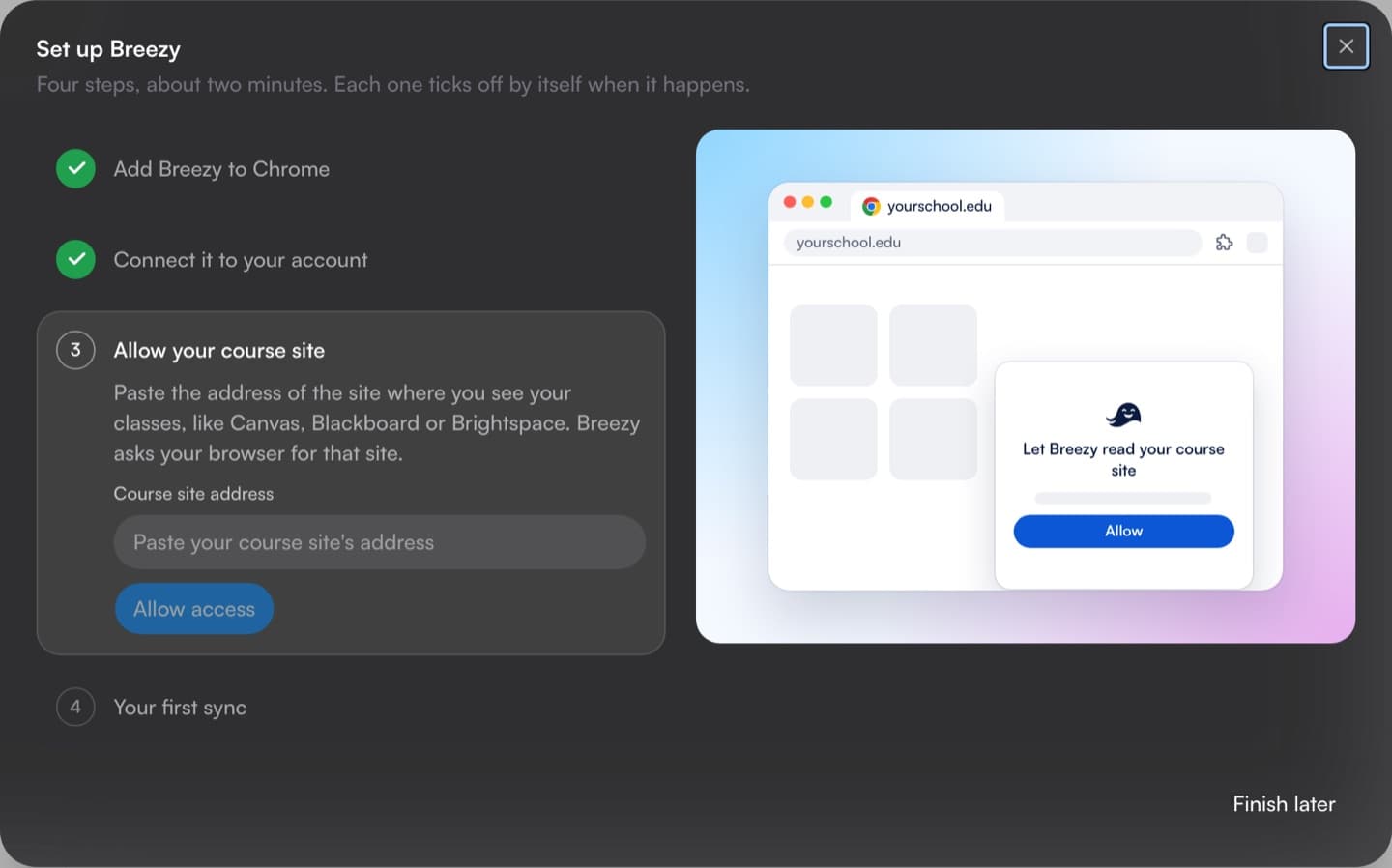
Set up Breezy in about two minutes
New accounts now get a guided setup: add Breezy to your browser, connect it, allow your course site and run your first sync. Each step ticks itself off the moment it happens.
Set up Breezy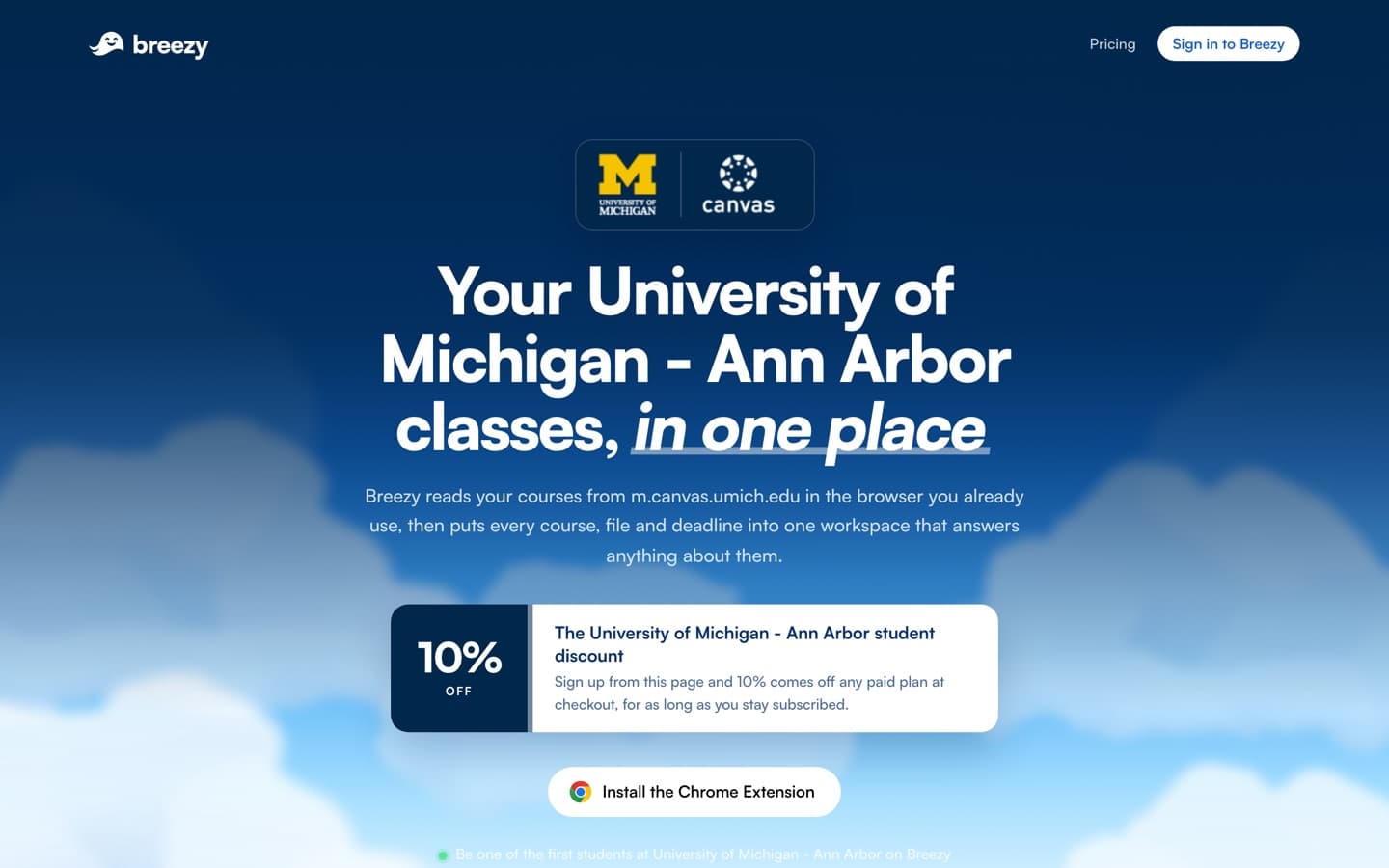
A page for your school
Thousands of Canvas schools now have their own Breezy page in the school's colors. Sign up from yours and 10% comes off any paid plan for as long as you stay subscribed.
Find your school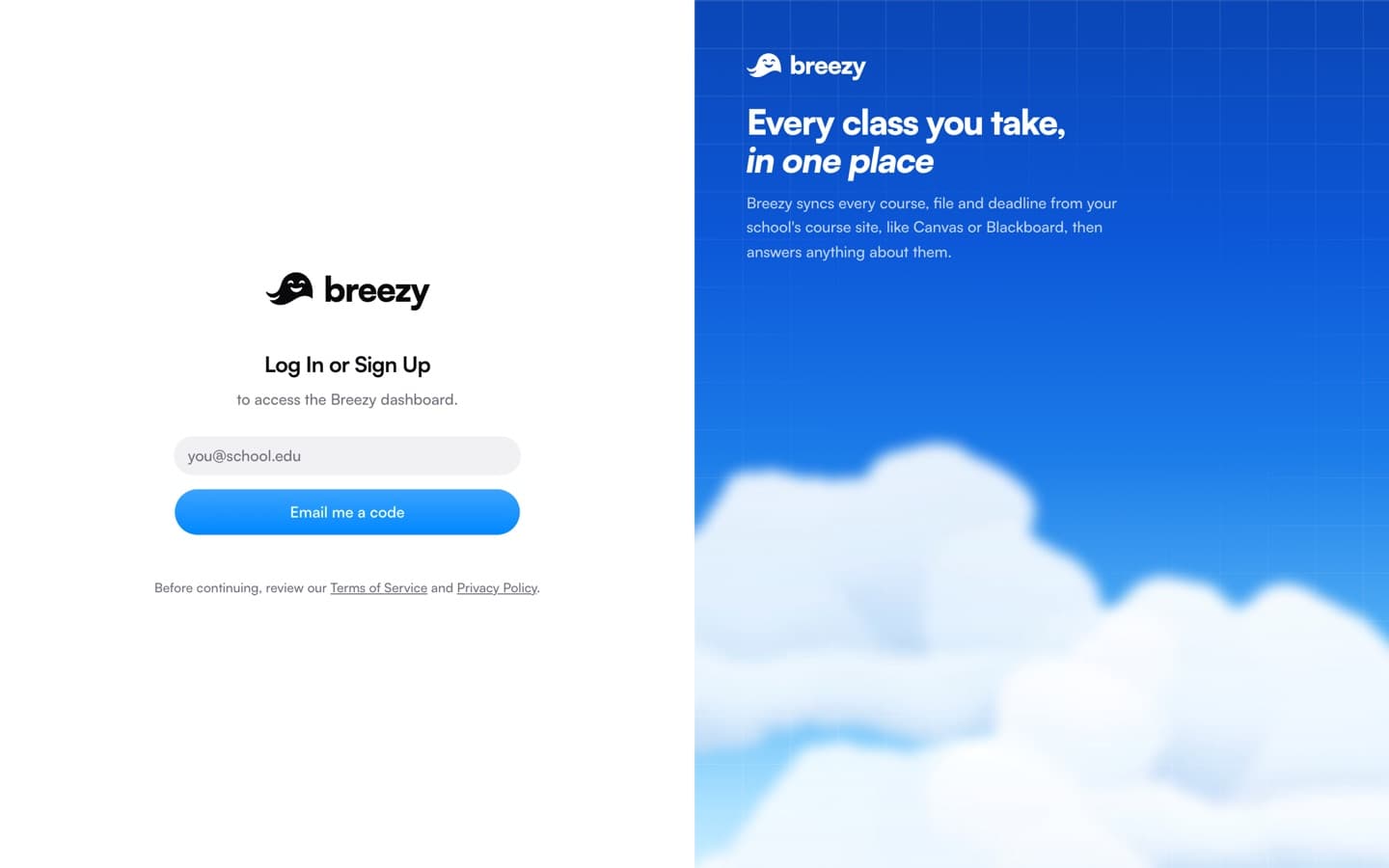
Sign in with a code from your inbox
No Google account handy, or opening Breezy inside TikTok or Instagram? Enter your email and we will send you a code to sign in with, right where you are.
Try it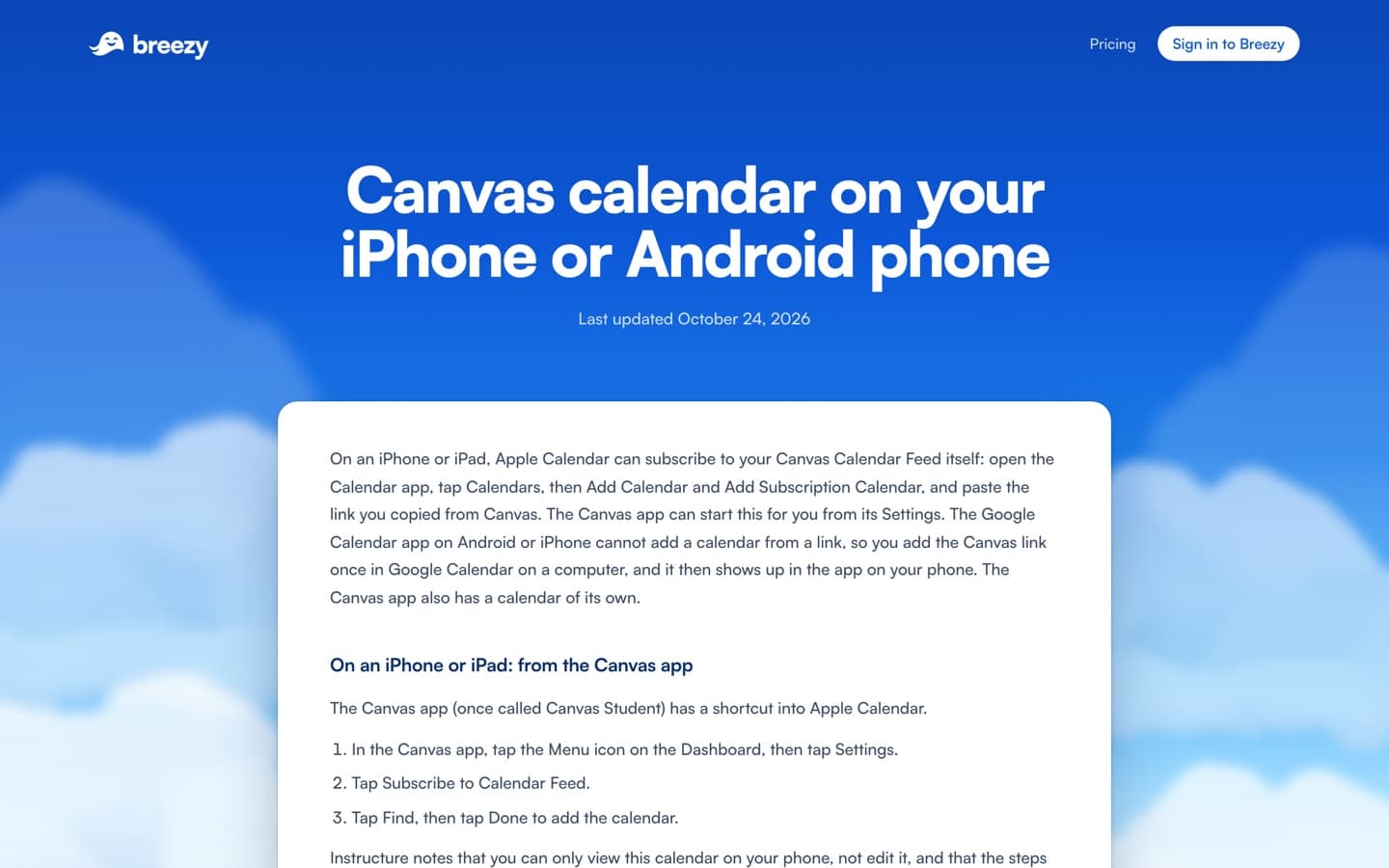
Your Canvas calendar on your phone
A new step-by-step guide gets your Canvas deadlines into Apple Calendar or Google Calendar on an iPhone or Android phone. Guides for Outlook and Brightspace landed this week too.
Read the guide